faceless YouTube video generator
Create faceless YouTube videos from draft to scheduled upload
Prepare Shorts or longer YouTube videos with a reviewable script, consistent visuals, subtitles, audio, and channel-ready metadata.
Who this workflow fits
- New faceless YouTube channels
- Educators and story channels
- Teams publishing Shorts and long-form videos
From input to approved video
- 01
Choose a Short or long-form format
- 02
Create or import the script
- 03
Review the scenes, voice, captions, and music
- 04
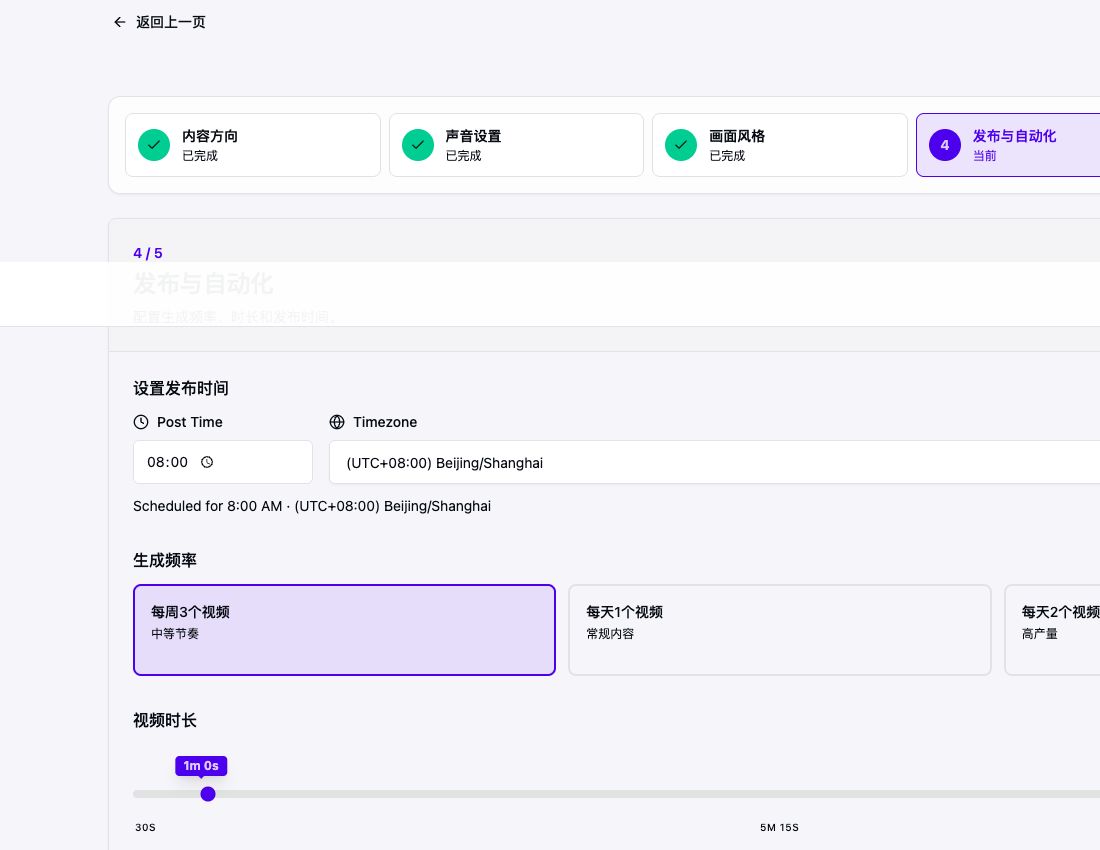
Download or schedule the approved video
Choose the format before the script
A YouTube Short and a 10-minute explainer need different hooks, pacing, and scene density. Pick the target format first so the draft is written for the right viewing behavior.
Keep editorial control before upload
Review factual claims, pronunciation, on-screen text, and the rights attached to source material. AriaFlow keeps the upload action after the review stage.
Verified product evidence
Published faceless YouTube case
The history example uses an original English narration, a consistent illustrated visual direction, AI voiceover, subtitles, and a 9:16 export. Its public YouTube page and full build-time transcript are linked for verification.
Last verified

Before
Topic-only brief with no confirmed format, length, visual direction, or review point.
After review
YouTube-ready setup: audience and format chosen first, narration reviewed, voice and visuals set, 9:16 duration checked, then scheduled only after the export review.
Account and platform requirements
- Direct upload requires authorization for the destination YouTube channel.
- YouTube controls upload processing, visibility, policy review, and monetization.
- Unverified API projects can be subject to YouTube upload visibility restrictions.
Practical limits to review
- YouTube monetization is decided by YouTube
- Titles and thumbnails still need audience research
- Rights and reused-content policies remain your responsibility
Frequently asked questions
Can I review the video before it is published?
Yes. AriaFlow keeps generation and publishing separate so you can review the script, visuals, voice, subtitles, and schedule first.
Do I need to appear on camera?
No. The workflow combines a script, AI narration, generated or selected visuals, subtitles, and music without requiring a camera recording.
Can these videos be monetized on YouTube?
AI use alone does not guarantee or prevent monetization. YouTube evaluates originality, value, rights, and current program policies. Review the latest YouTube guidance before publishing.
Create a reviewable faceless video
Start from an idea, script, or URL. Review the draft before you download, schedule, or publish it.
Create a faceless video